Choose a Tour
Select one of the examples below.

Linked Panorama Example
Jump between 360 images.
View Tour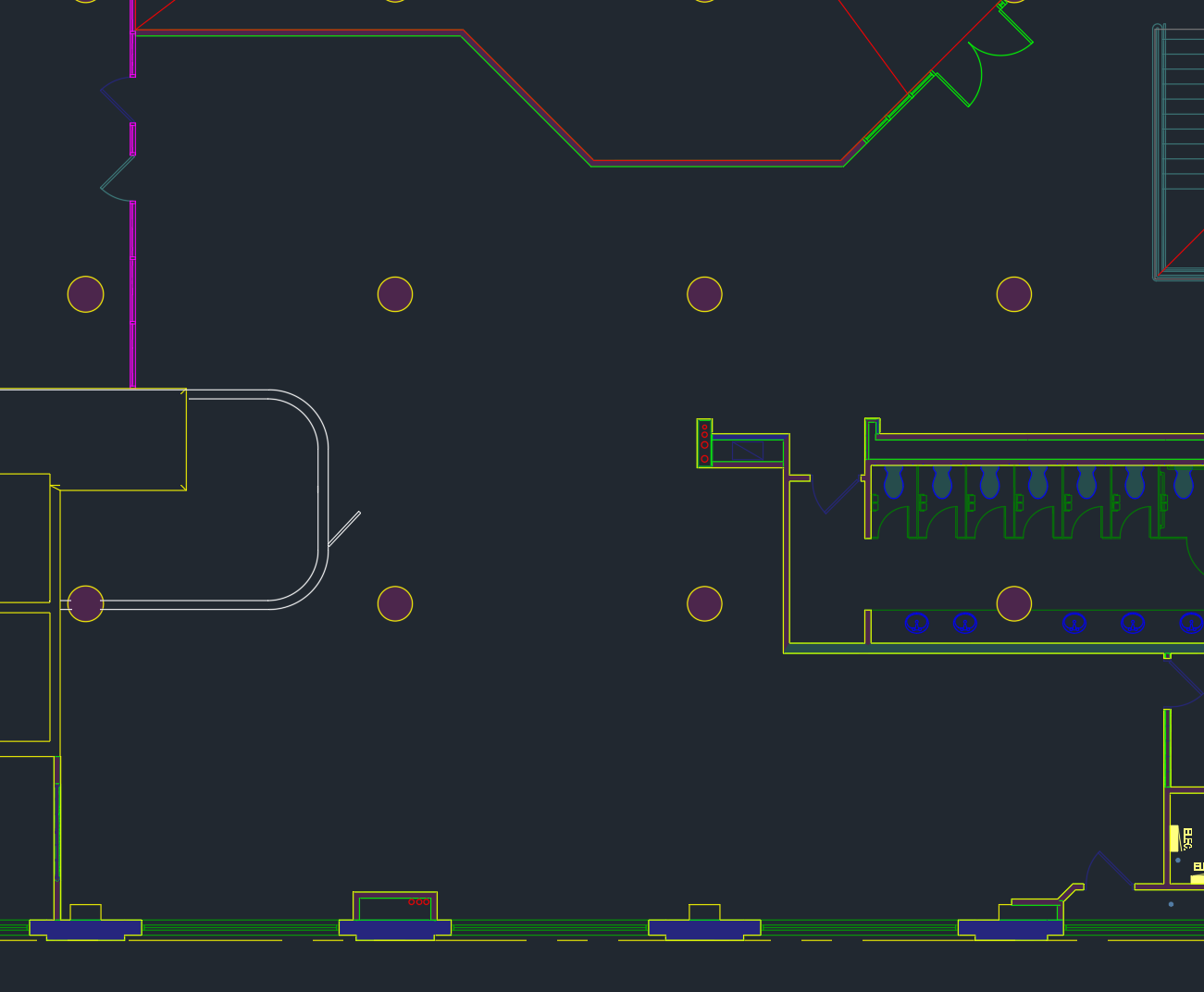
Building Walkthrough Example
Use the landmark icons to move around, or click on image dots from the plan view.
View Tour
360, Fisheye, Flatten
See how you can adjust an image.
View TourAbout PanoPath
These tours were built with PanoPath — a self-hosted tool for building interactive 360° panorama tours. You upload your images, add hotspots, configure branding, and export a self-contained package you can host anywhere. Everything runs locally in Docker — no accounts, no cloud uploads, no ongoing costs.
The exported tours (like the ones above) are plain static files — HTML, JavaScript, and image tiles. They run in any browser with no server required.
What it does
Three projection modes
Import any image as a flat 2D scene, a full 360° equirectangular panorama, or a fisheye hemisphere. Switch between them at any time — the original image is always preserved.
Hotspots
Place info hotspots that expand with text when clicked, and link hotspots that navigate between scenes. Seven icon styles with fully customisable colours.
Floor plan overlay
Upload a floor plan and place a dot for each scene. Visitors can see where they are in the space and click dots to jump between scenes.
Self-contained export
Export as a ZIP containing everything needed to run the tour — HTML, JavaScript, image tiles, and the Marzipano viewer. No internet connection required to view it.
Branding & settings
Add a logo, up to three custom buttons, configure autorotate, compass, zoom controls, and mouse mode. Save style presets to reuse across projects.
Fully local
Runs entirely on your own machine in Docker. Images never leave your server. No accounts, no subscriptions, no usage limits.
Run it yourself
If you want to run your own instance, you need Docker. Pull the image and it's ready to go — no build step, no configuration files.
services:
  panopath:
    image: illerin/panopath:latest
    container_name: panopath
    ports:
      - "3098:3098"
    volumes:
      - panopath_data:/app/tmp
    restart: unless-stopped

volumes:
  panopath_data:
Run docker-compose up -d and open http://localhost:3098. The panopath_data volume keeps your projects and tiles across image updates.
Or with a single command if you don't want a compose file:
docker run -d \
  --name panopath \
  -p 3098:3098 \
  -v panopath_data:/app/tmp \
  --restart unless-stopped \
  illerin/panopath:latest
Supported image formats: JPEG, PNG, HEIC/HEIF (converted automatically), TIFF, WebP. Images with a roughly 2:1 aspect ratio are detected as equirectangular panoramas automatically. Everything else imports as a flat image, and you can switch projection from the editor at any time.